
Dept 138 · App 01
Bridge
Clear your mind by capturing tasks and thoughts the moment they hit — then let Bridge file them into Apple Reminders and Notes for you.
Capture the thought. Bridge does the filing.
A productivity tool that does not ask you to adopt a whole new system. It speaks fluent Apple Reminders, so the app you already use stays the source of truth.
How it works
Capture
Type whatever is on your mind — a task, a reminder, a stray idea, or a loose end.
Categorize
Tap a category. Bridge knows which Reminders list it belongs in.
Sync
Process it once. Bridge files it with the due date and time if you set one.
Inside the app
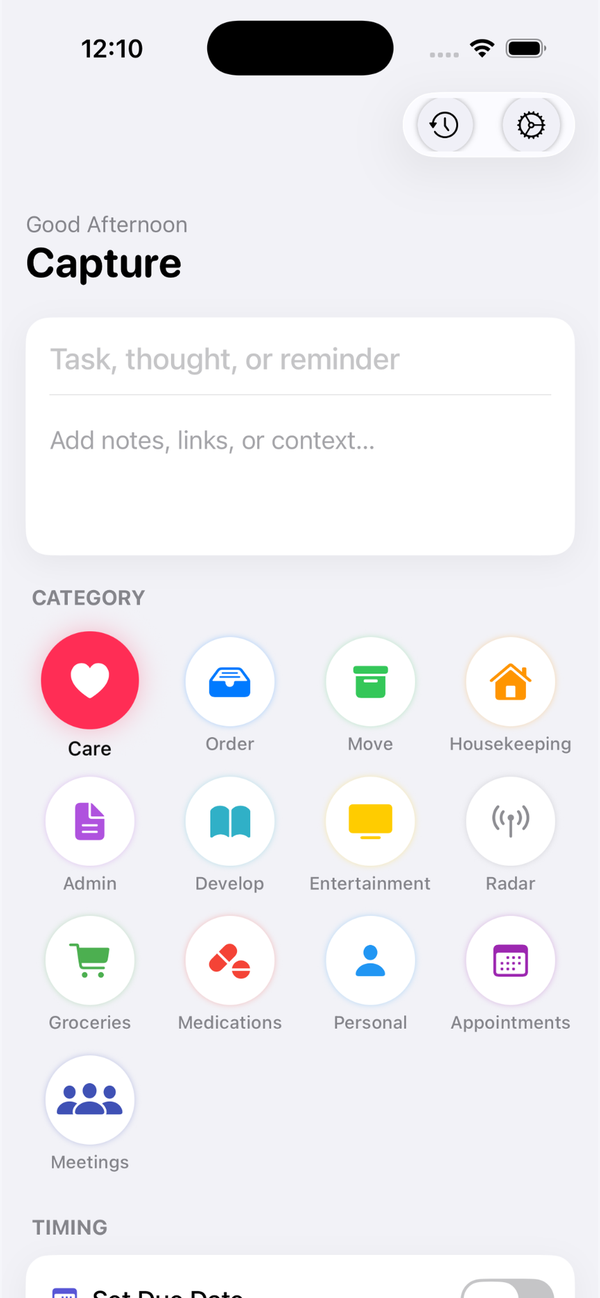
Capture a thought
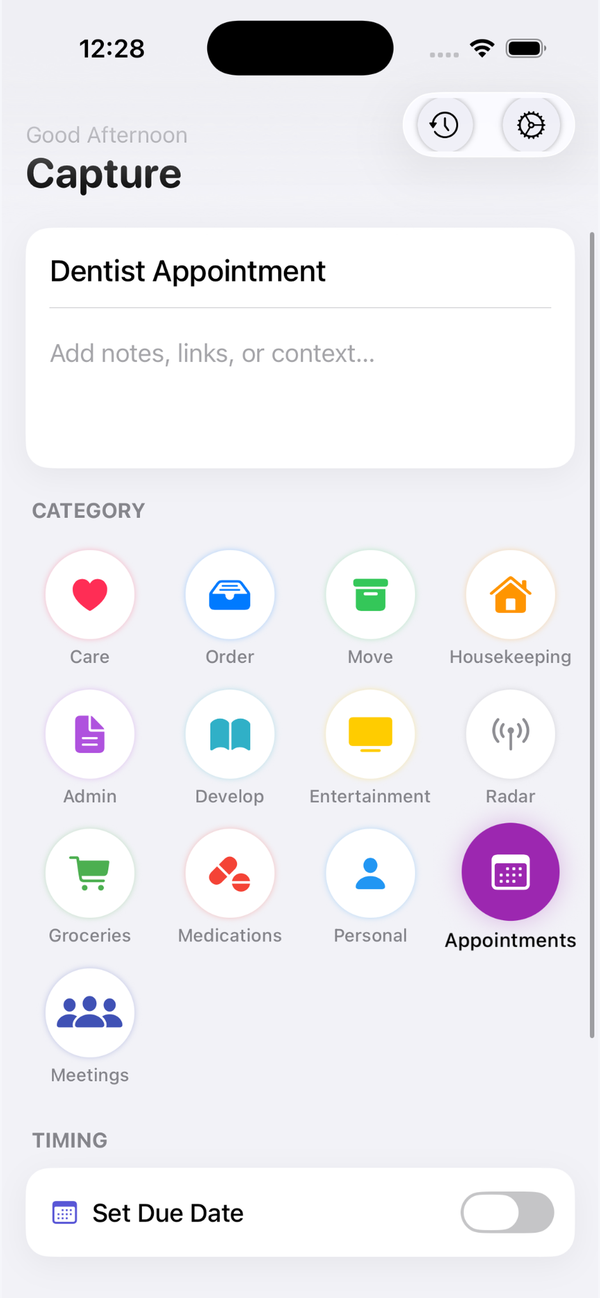
Pick a category
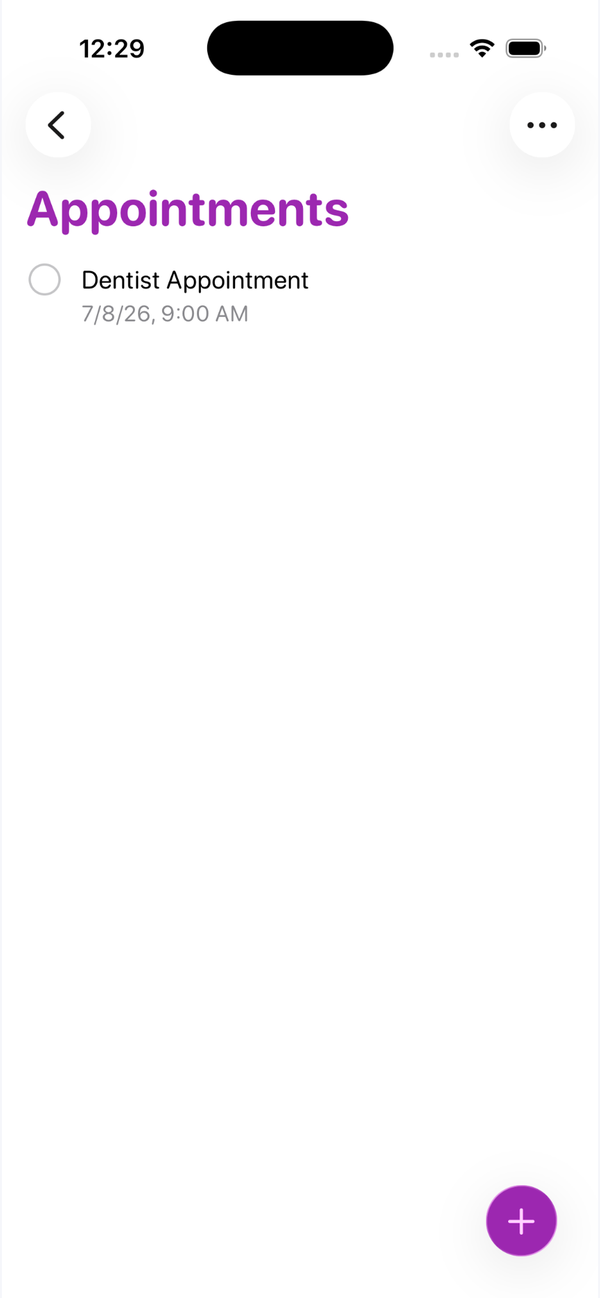
Set a date and time
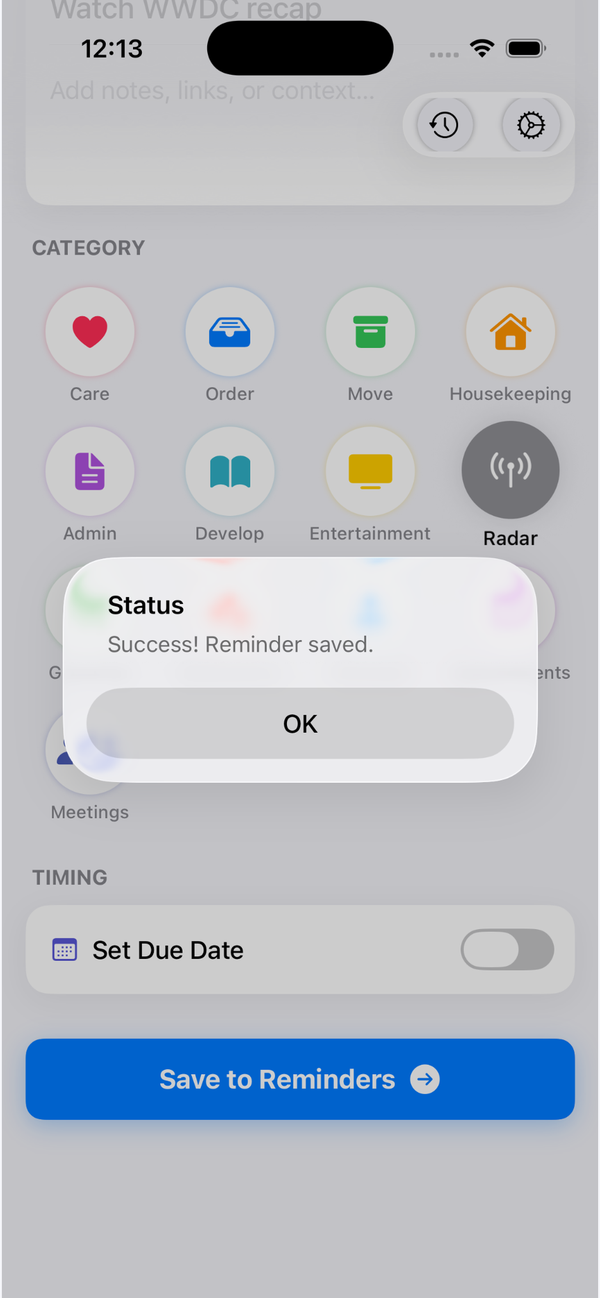
Save to Reminders
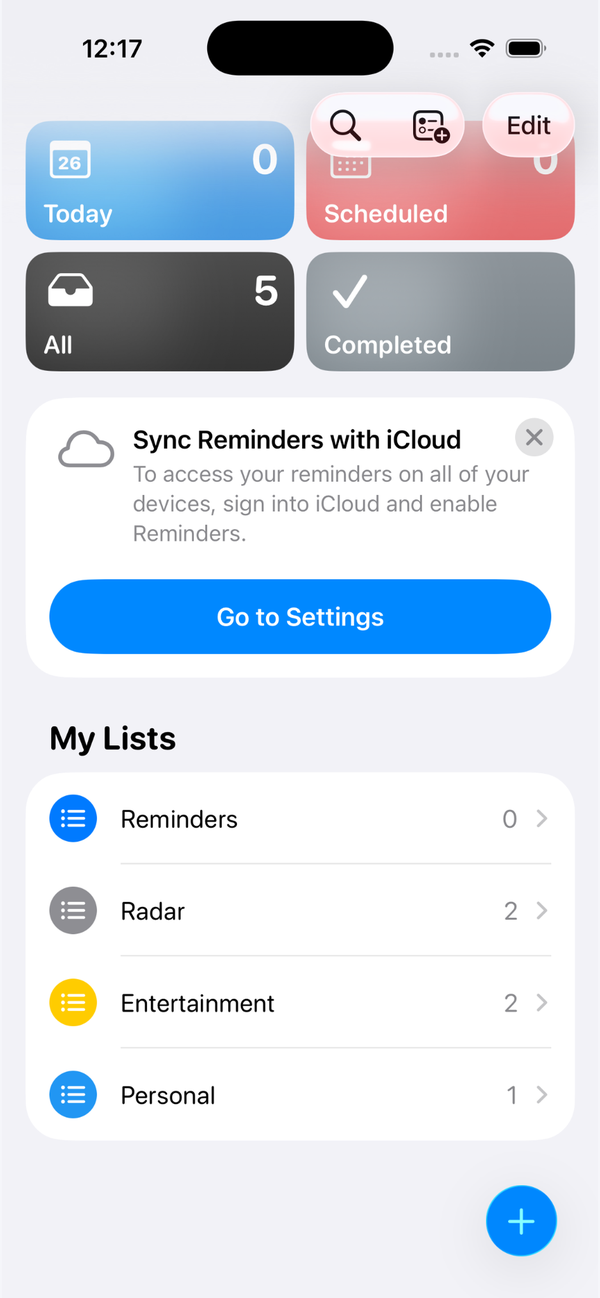
Synced to your lists
What’s inside
Smart categories
Care, Order, Move, Admin, Develop, Groceries, Medications, Meetings, and more — all editable.
Native Reminders sync
Each category maps to an Apple Reminders list, so your captures land exactly where you would look for them.
Apple integrations
Optional hooks for Notes, Calendar events, and Health mindful minutes.
Due dates & times
Flip on a due date and pick the moment. Bridge attaches it automatically.
Capture history
A running log of everything you bridged, so nothing quietly disappears.
No account, no cloud
Bridge has no server. Your words go straight into your Apple apps and stay on your device.
Your thoughts never leave your phone.
Bridge does not run a server and does not keep an account. Everything you capture is handed straight to Apple Reminders, Notes, Calendar, and Health on your own device. Dept 138 never sees a word of it.
Be first to Bridge.
Leave your email and we will tell you when Bridge hits the App Store.